Straight to the point
No accounts, nothing to install. The board opens in the browser on a computer, a tablet or an interactive panel.
No sign-up · Free · In the browser
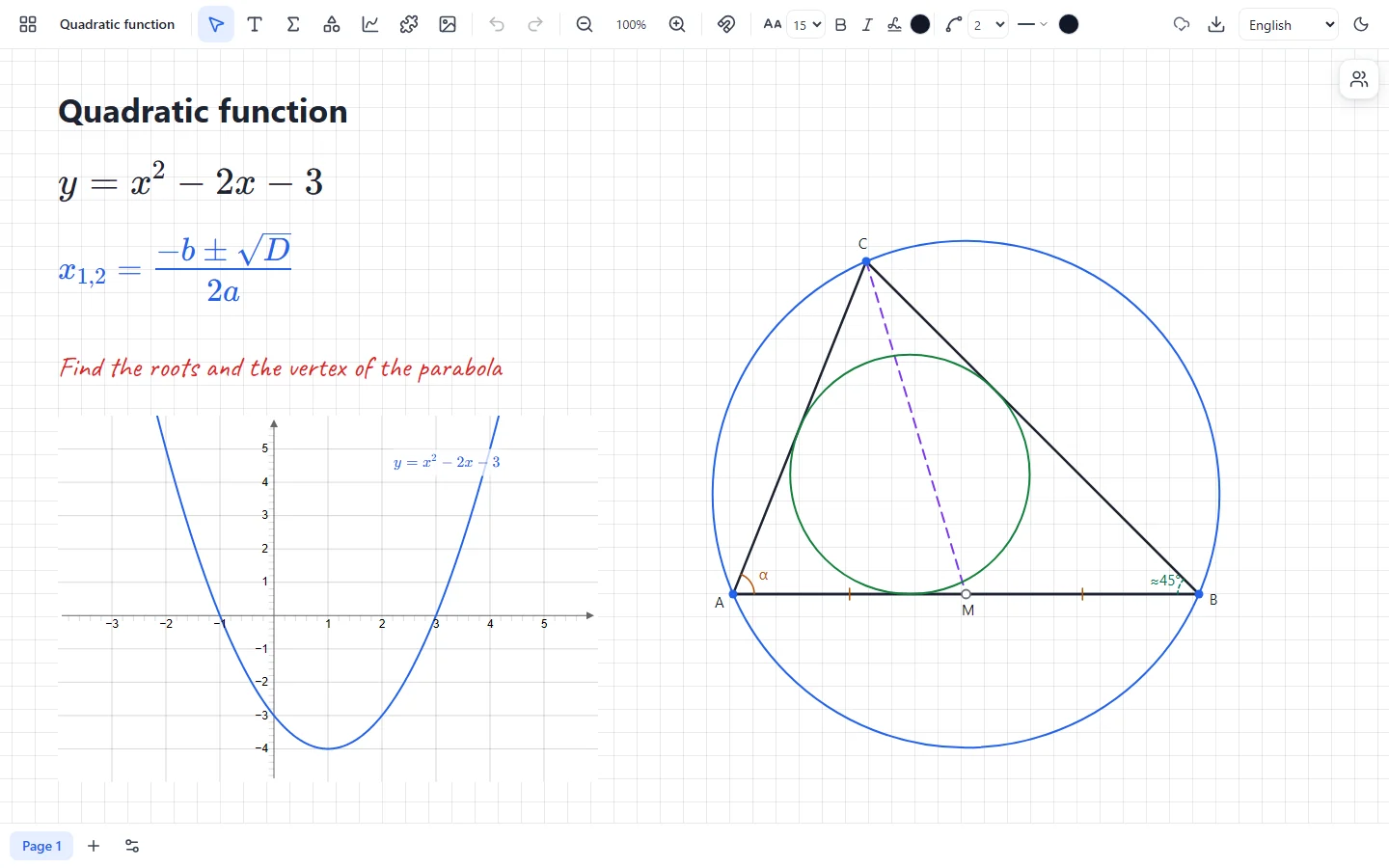
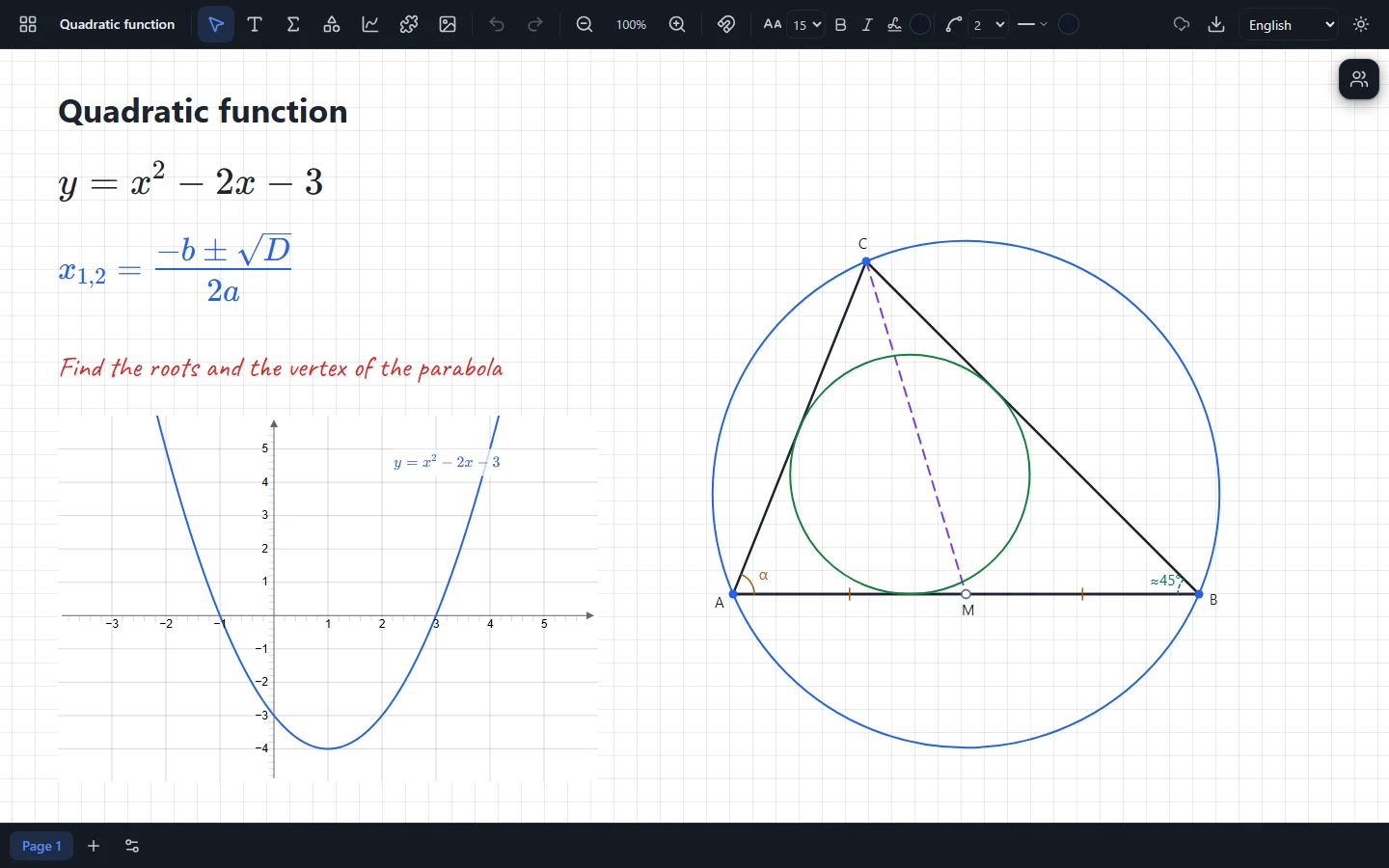
Formulas, function graphs, geometric constructions and solids on one canvas. Open a board and start teaching in seconds — students join by a link or a QR code.
No accounts, nothing to install. The board opens in the browser on a computer, a tablet or an interactive panel.
Fractions are typed the way they are written, graphs come straight from a formula, and constructions stay exact while you drag their points.
Boards are kept in your browser, and a lesson is encrypted from the teacher to every student: the server only passes sealed messages on.
From the first fraction to solid geometry — everything is already on the toolbar.
Write, draw and lay out the material of a lesson as you like: the canvas pans and zooms.
Type formulas on the keyboard: “/” makes a fraction, “^” a power, and templates are always at hand.
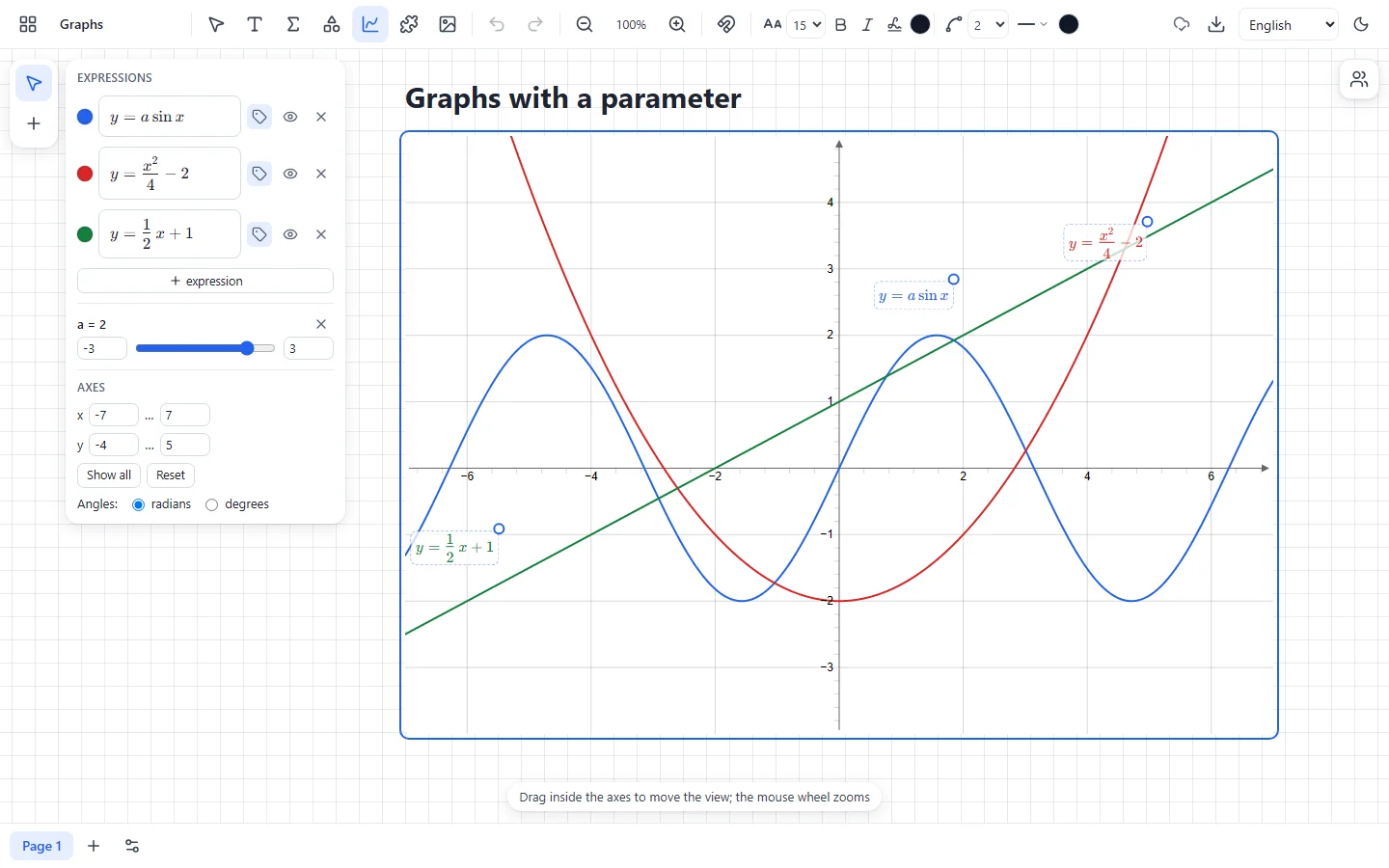
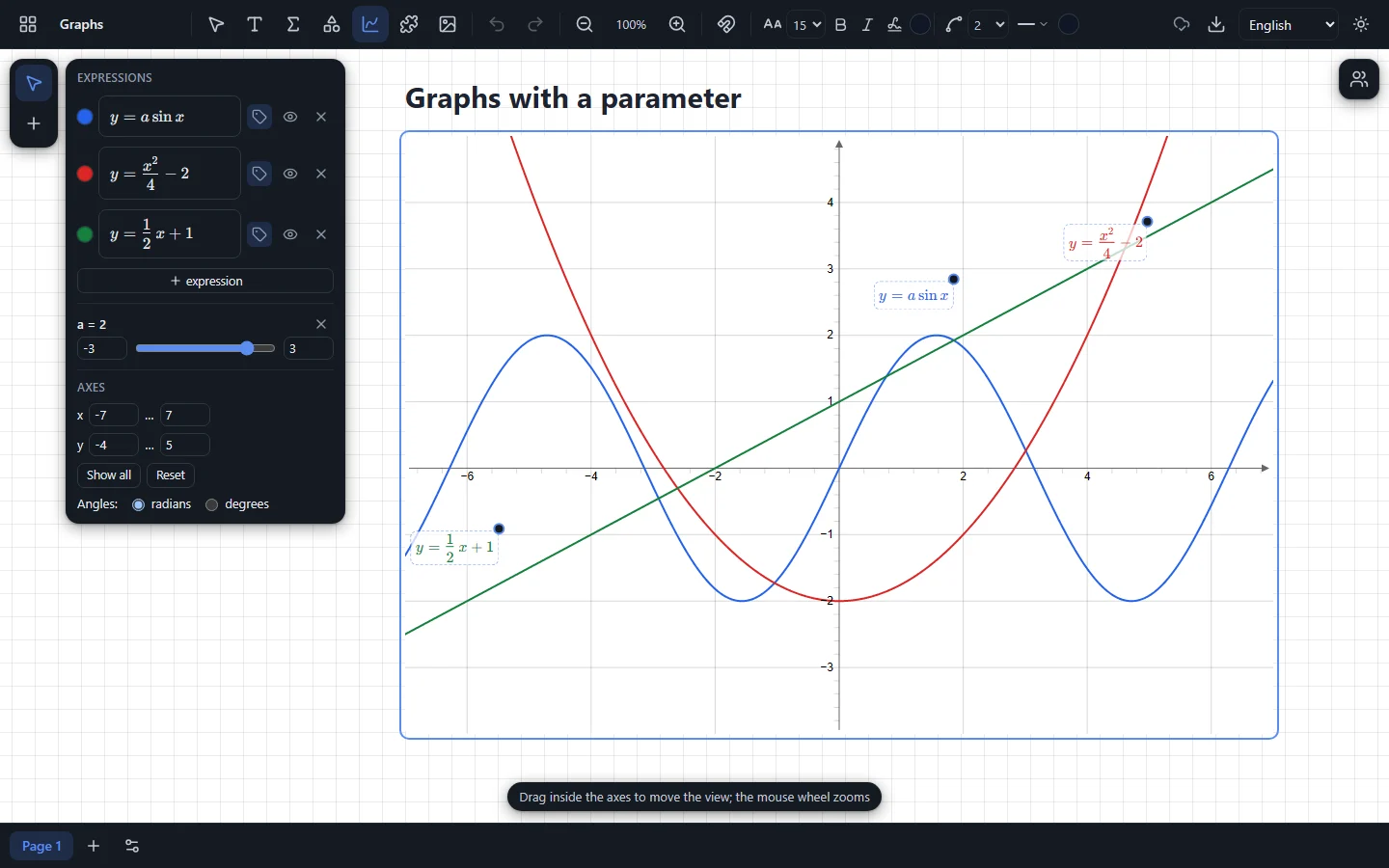
Plot several functions on the same axes and change parameters with a slider — the graph follows at once.
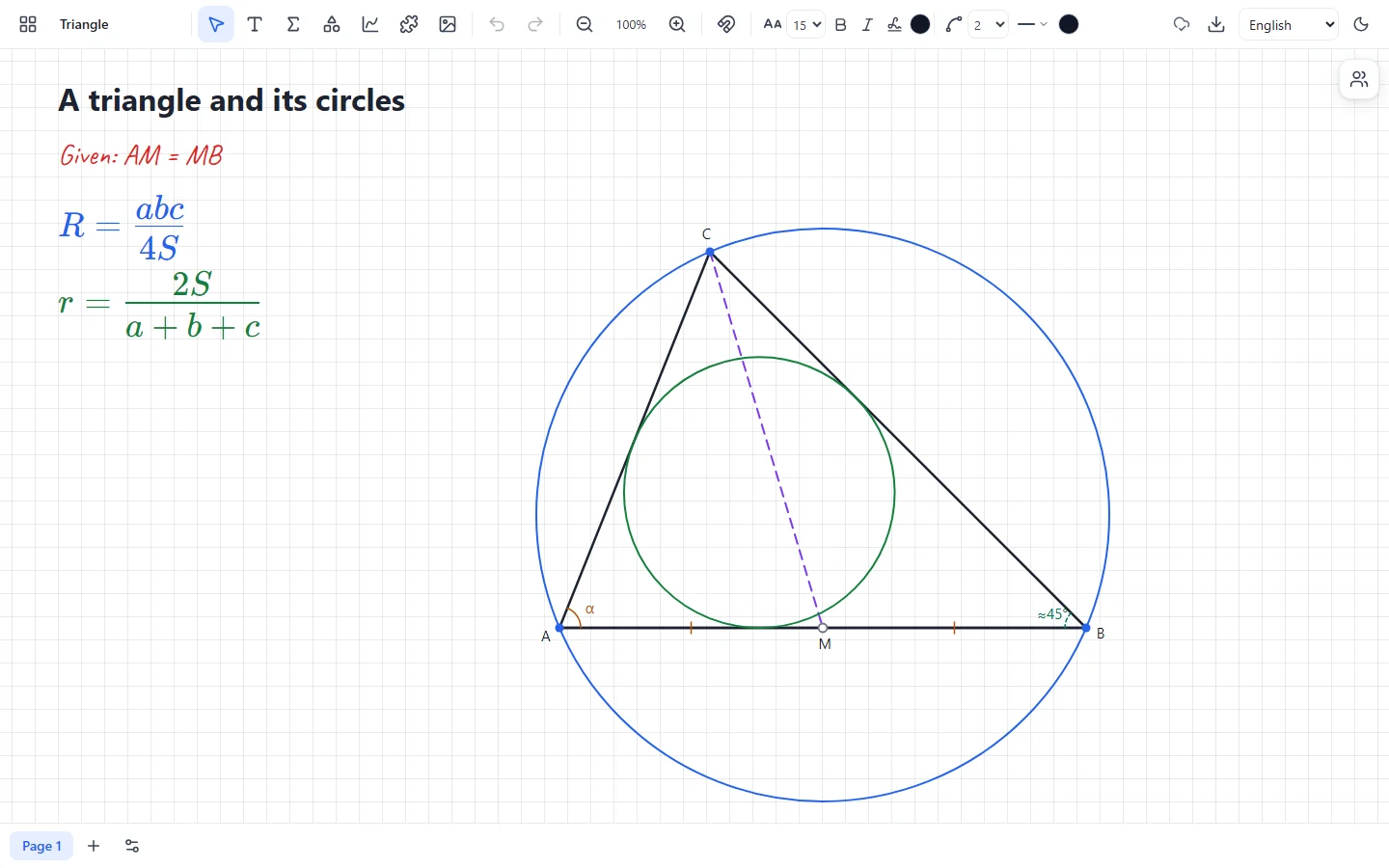
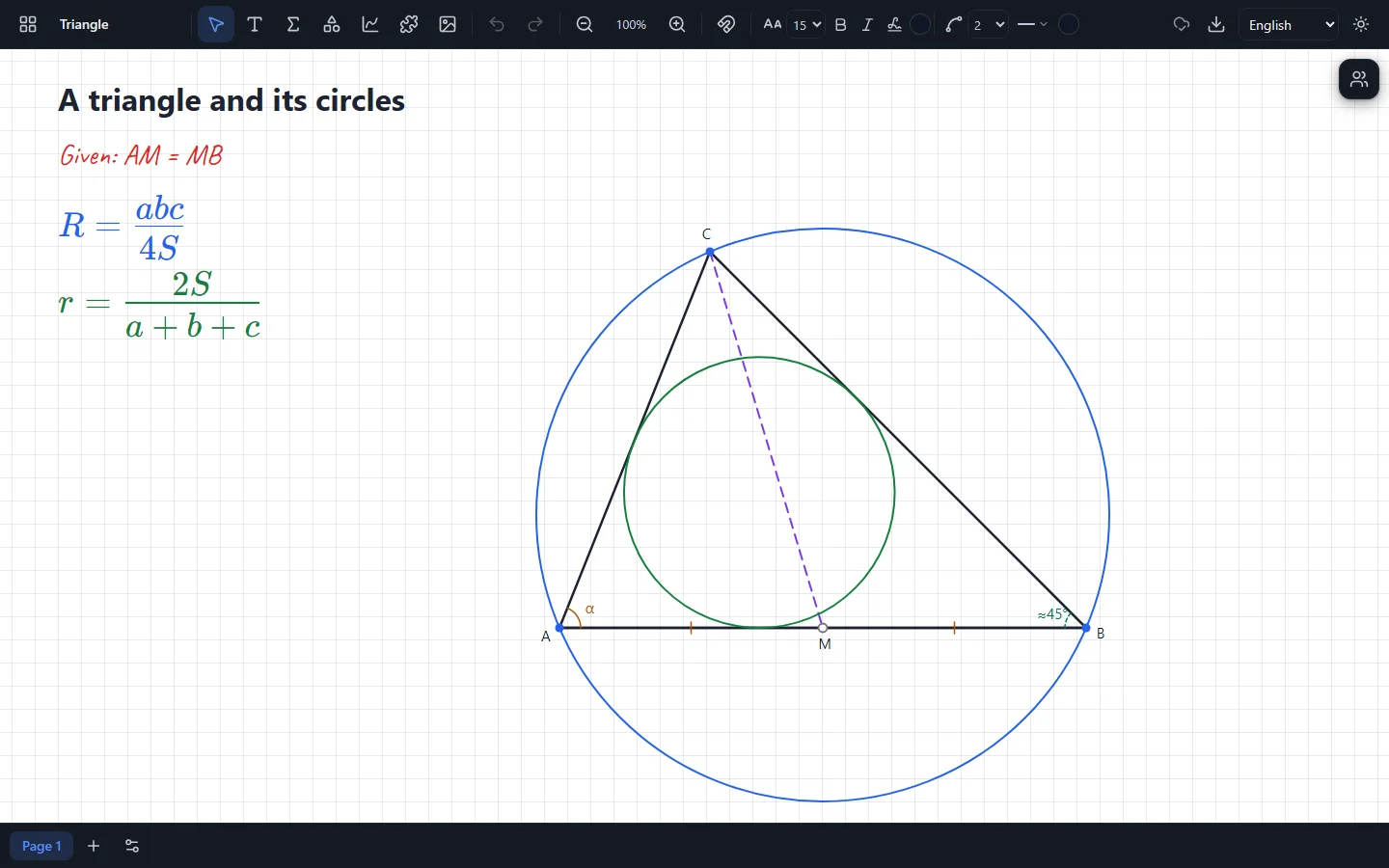
Constructions keep their dependencies, not a picture: drag a vertex and everything else is rebuilt.
The solids of a geometry textbook, which you can turn to show the side you need.
Split a lesson into pages, like the sheets of a workbook, with tabs at the bottom of the board.
A clock and a timer right on the board: time a task without switching to another window.
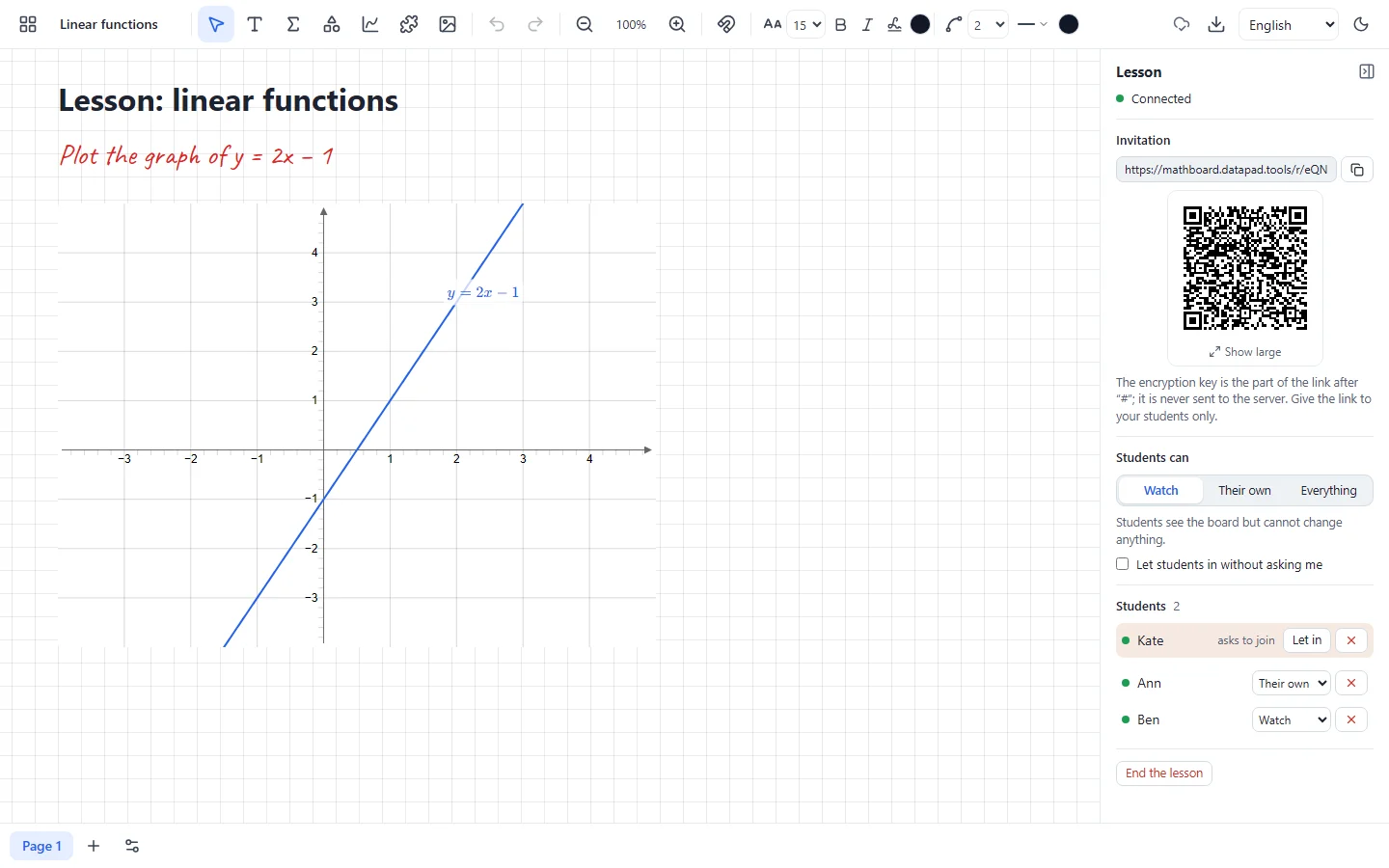
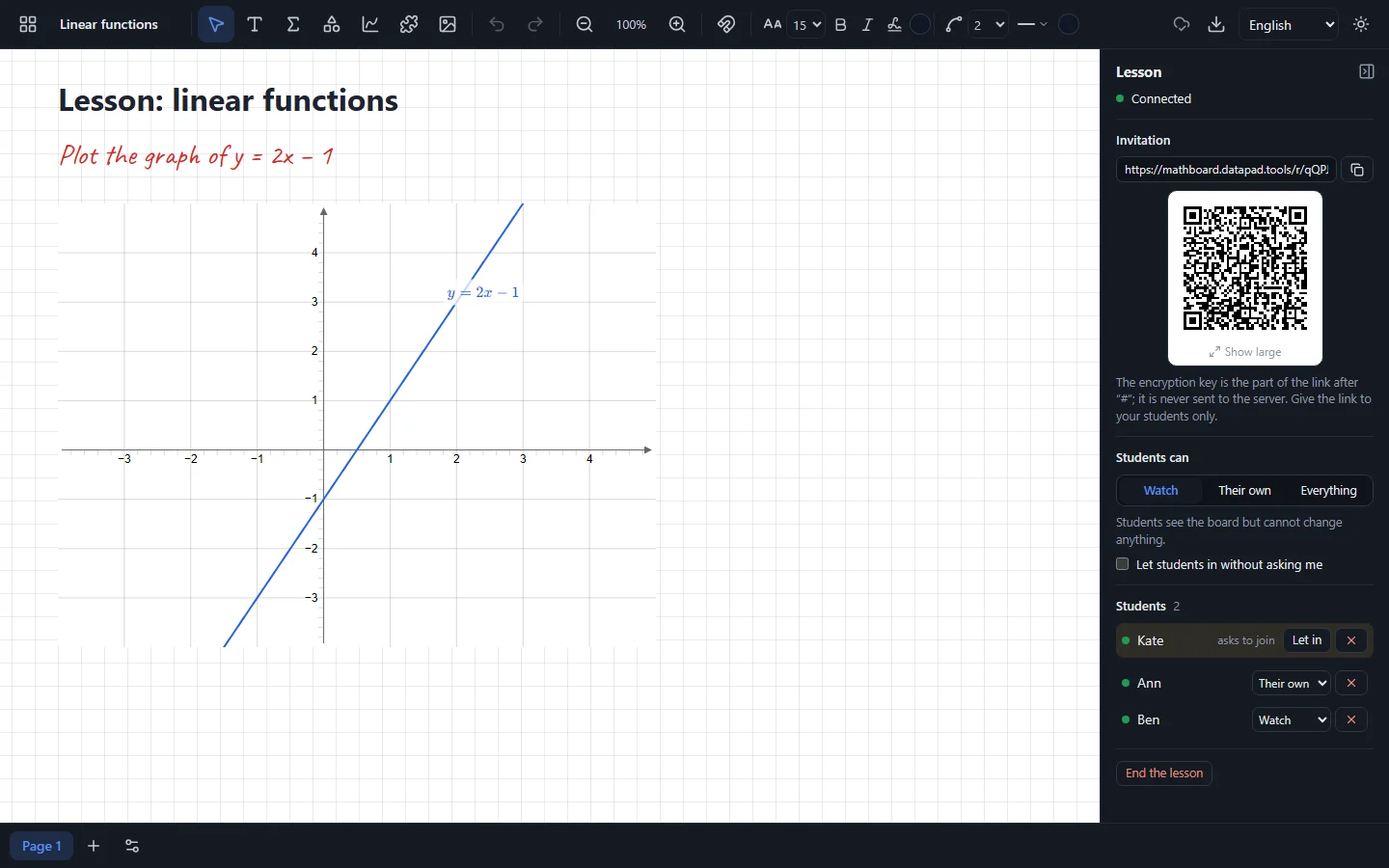
Invite the class to your board: everyone sees what you write at once, and those you allow can write too.
Open the lesson panel at the right edge of the board and start the lesson.
Show the QR code or send the link. Students join under their own name, with no sign-up.
Let the students in and decide who only watches, who adds their own work and who may change everything.
Create your first board — it takes a second.
Open boards