Features
Everything a math lesson needs: from a quick sketch to an exact construction and working together with the class.
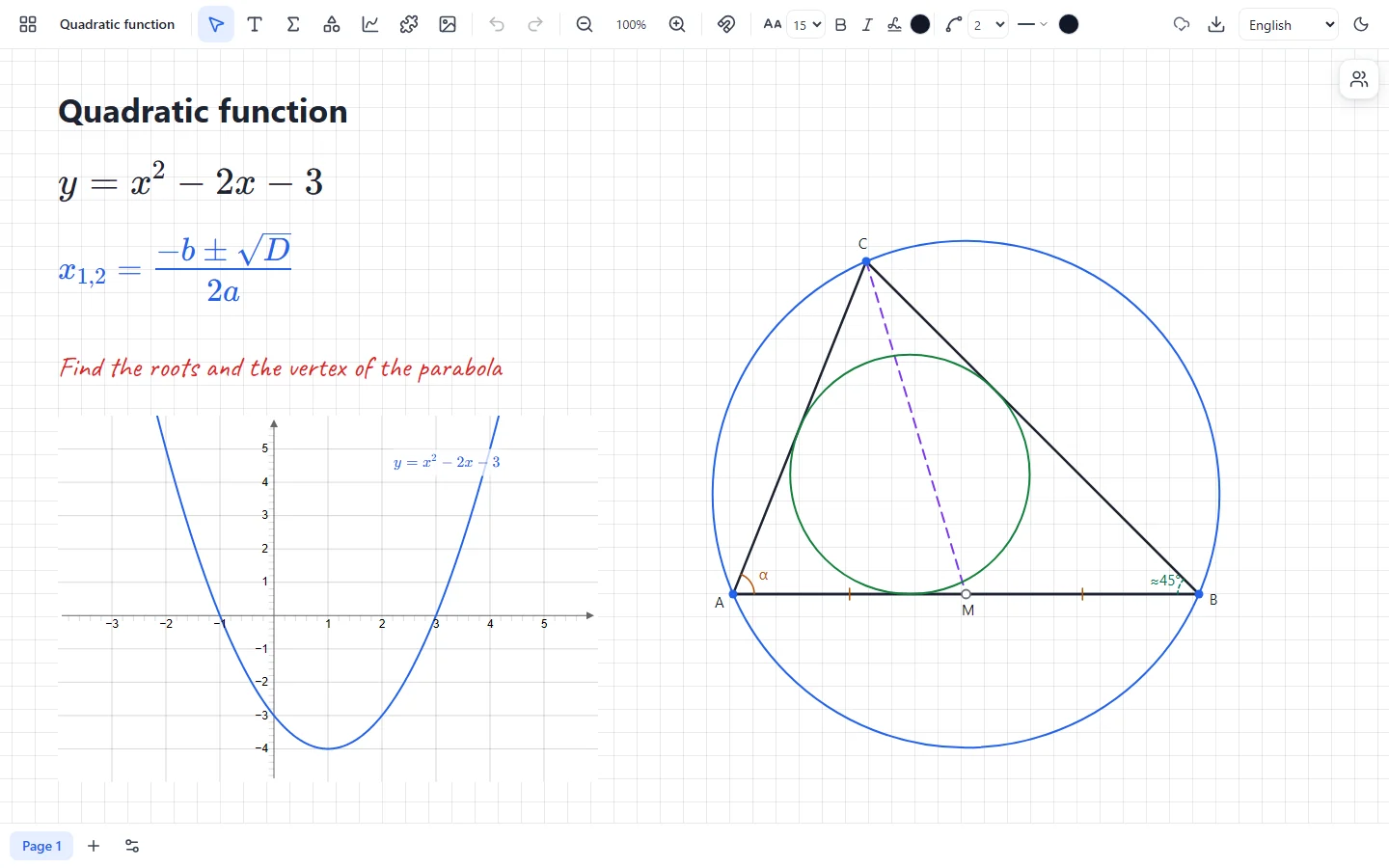
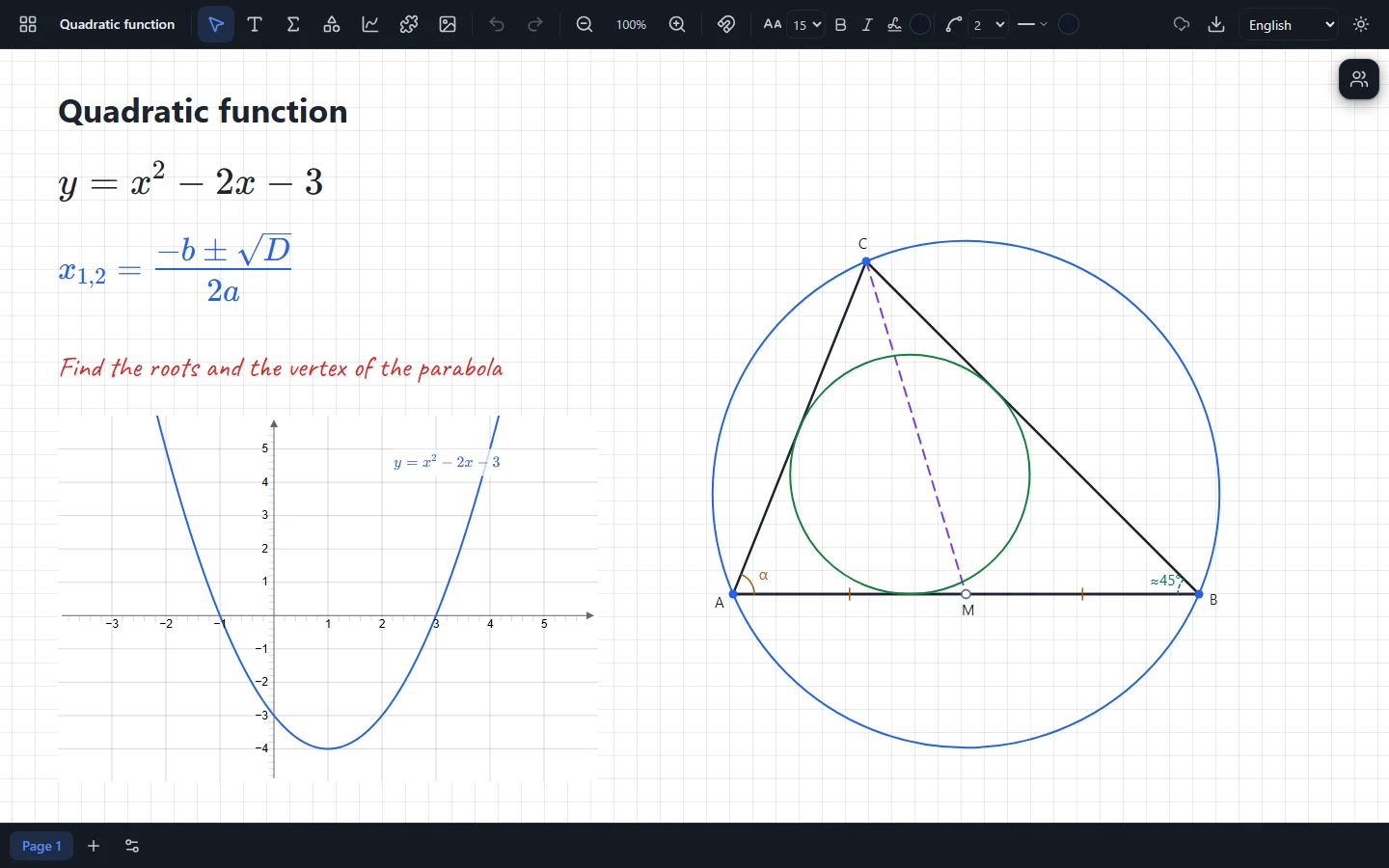
An endless canvas
Write, draw and lay out the material of a lesson as you like: the canvas pans and zooms.
- A pen with pressure, dashes and dots
- A sketch becomes a neat figure in one click
- Text, also in a handwriting font
- Pictures from a file or the clipboard
- Undo and redo of every action
Formulas
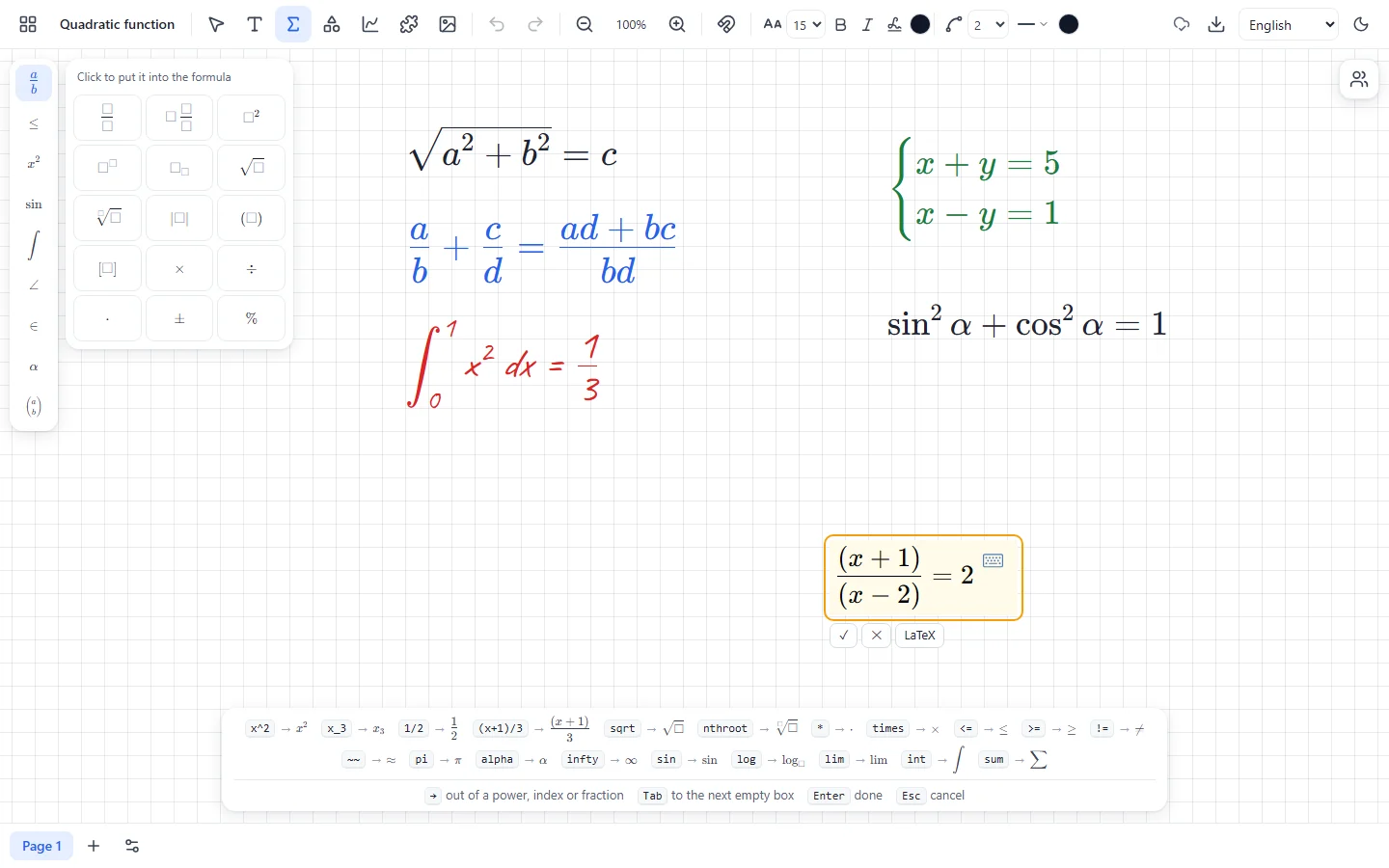
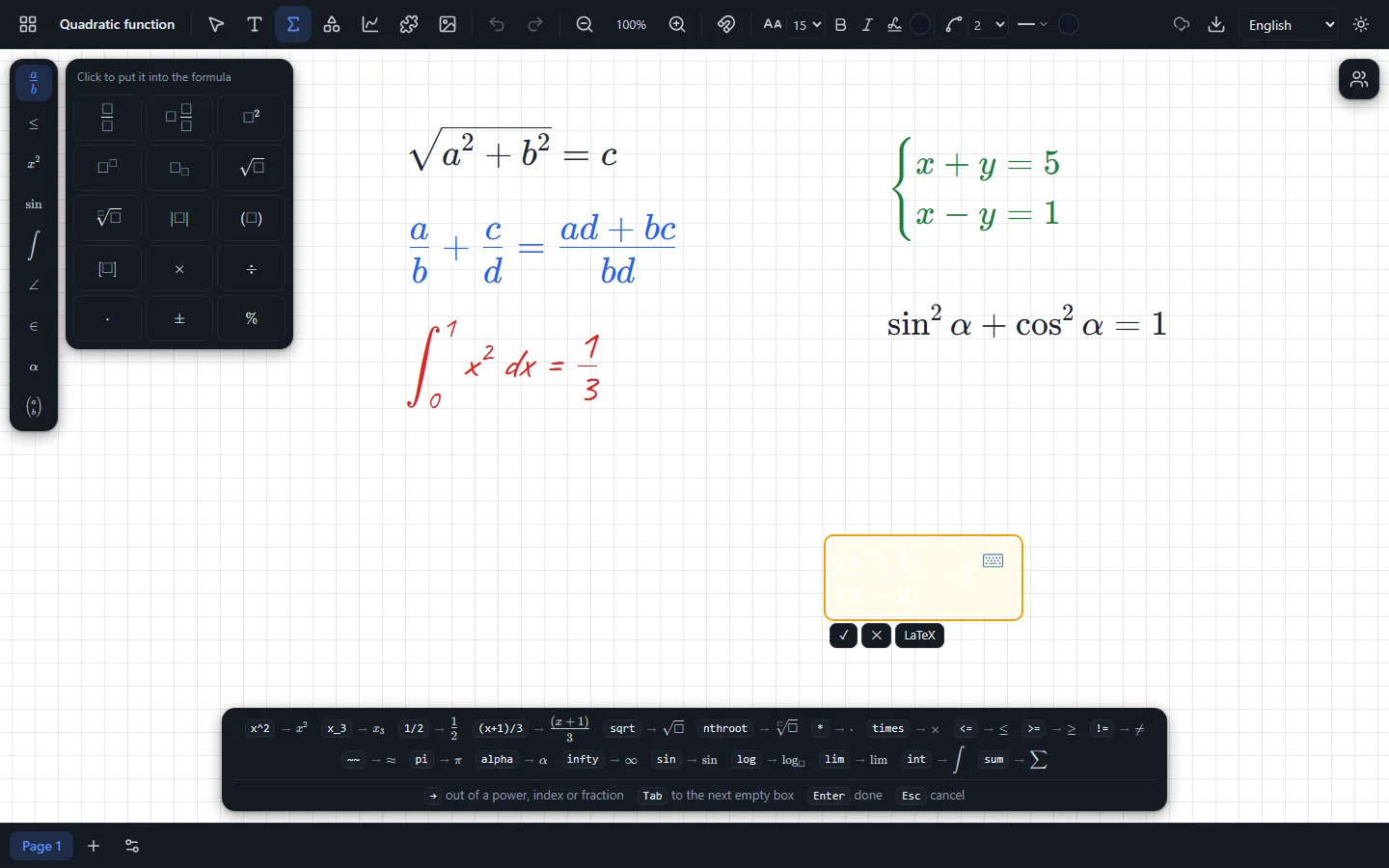
Type formulas on the keyboard: “/” makes a fraction, “^” a power, and templates are always at hand.
- Fractions, roots, powers, subscripts, systems
- A column of templates by topic
- Key hints while you type
- A handwritten look, like chalk on a blackboard
- One click turns a formula into a graph
Function graphs
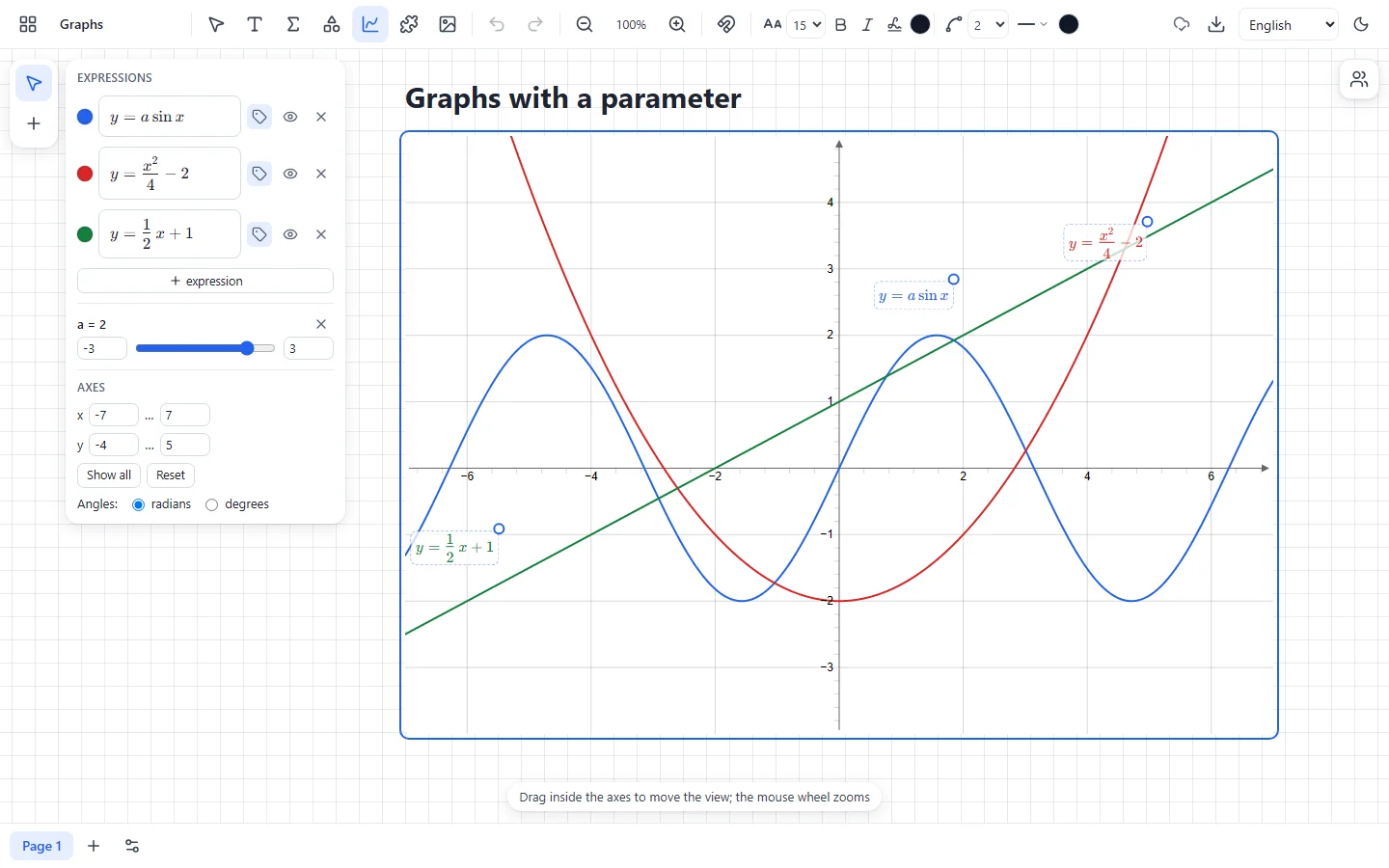
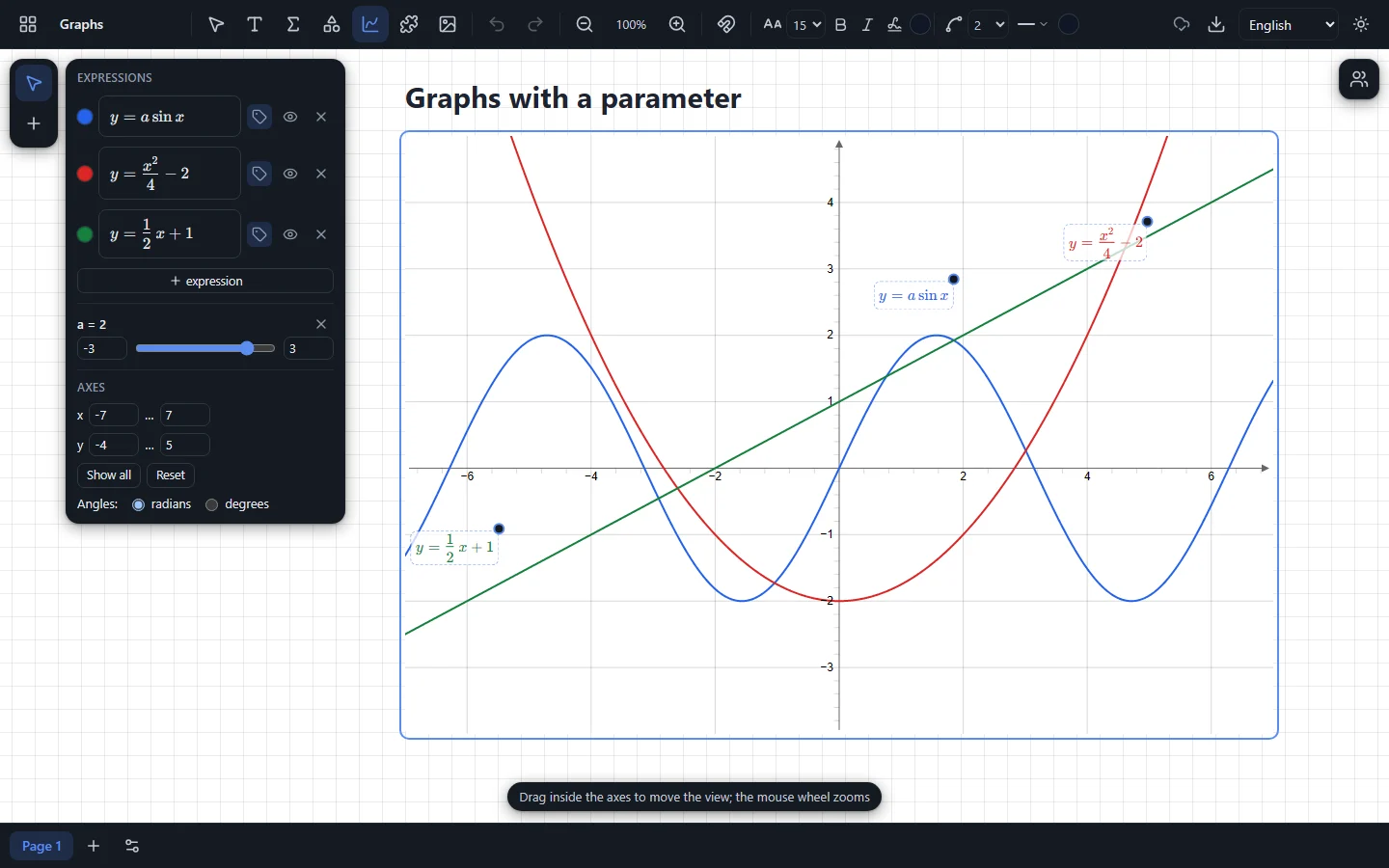
Plot several functions on the same axes and change parameters with a slider — the graph follows at once.
- y = f(x), vertical lines and points
- Parameters with sliders
- The formula written on its own graph
- Degrees or radians
- Computed in the background: the board never stalls
Dynamic geometry
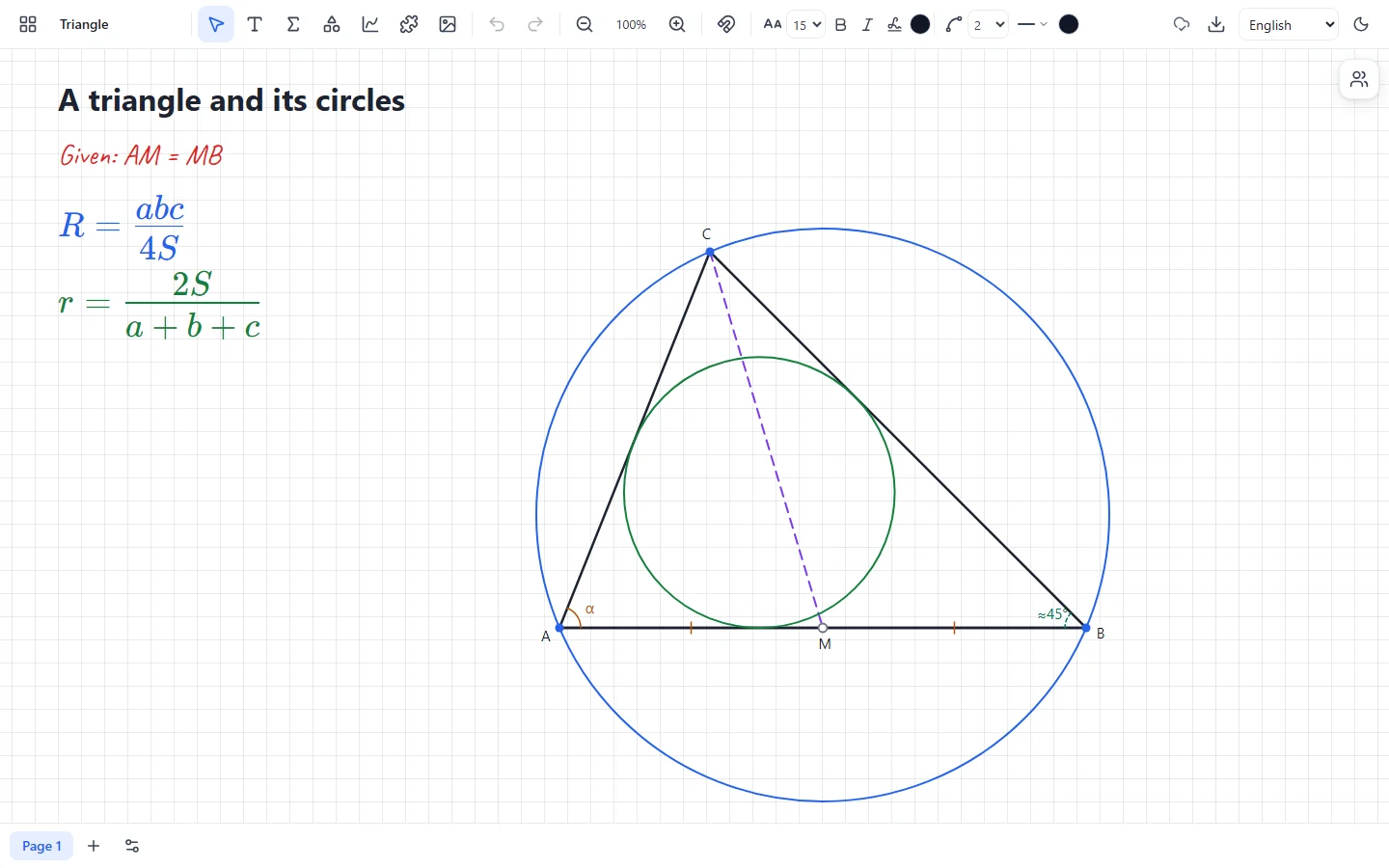
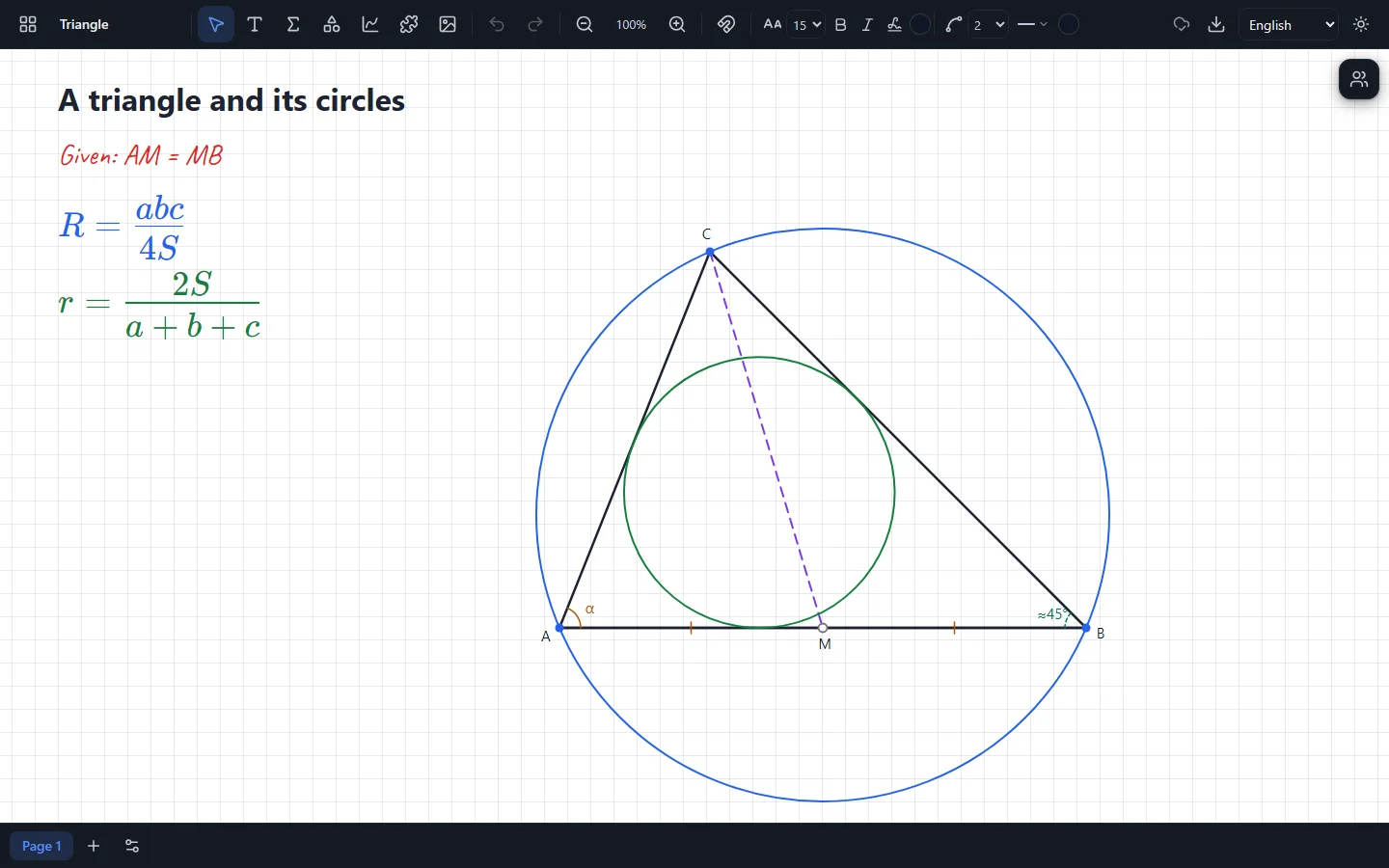
Constructions keep their dependencies, not a picture: drag a vertex and everything else is rebuilt.
- Points, segments, lines, circles
- Midpoints, perpendiculars, intersections
- Circumscribed and inscribed circles
- Exact shapes: equilateral, isosceles and right triangles, square, parallelogram, trapezoid
- Given marks (equal sides, angles) look different from measured values
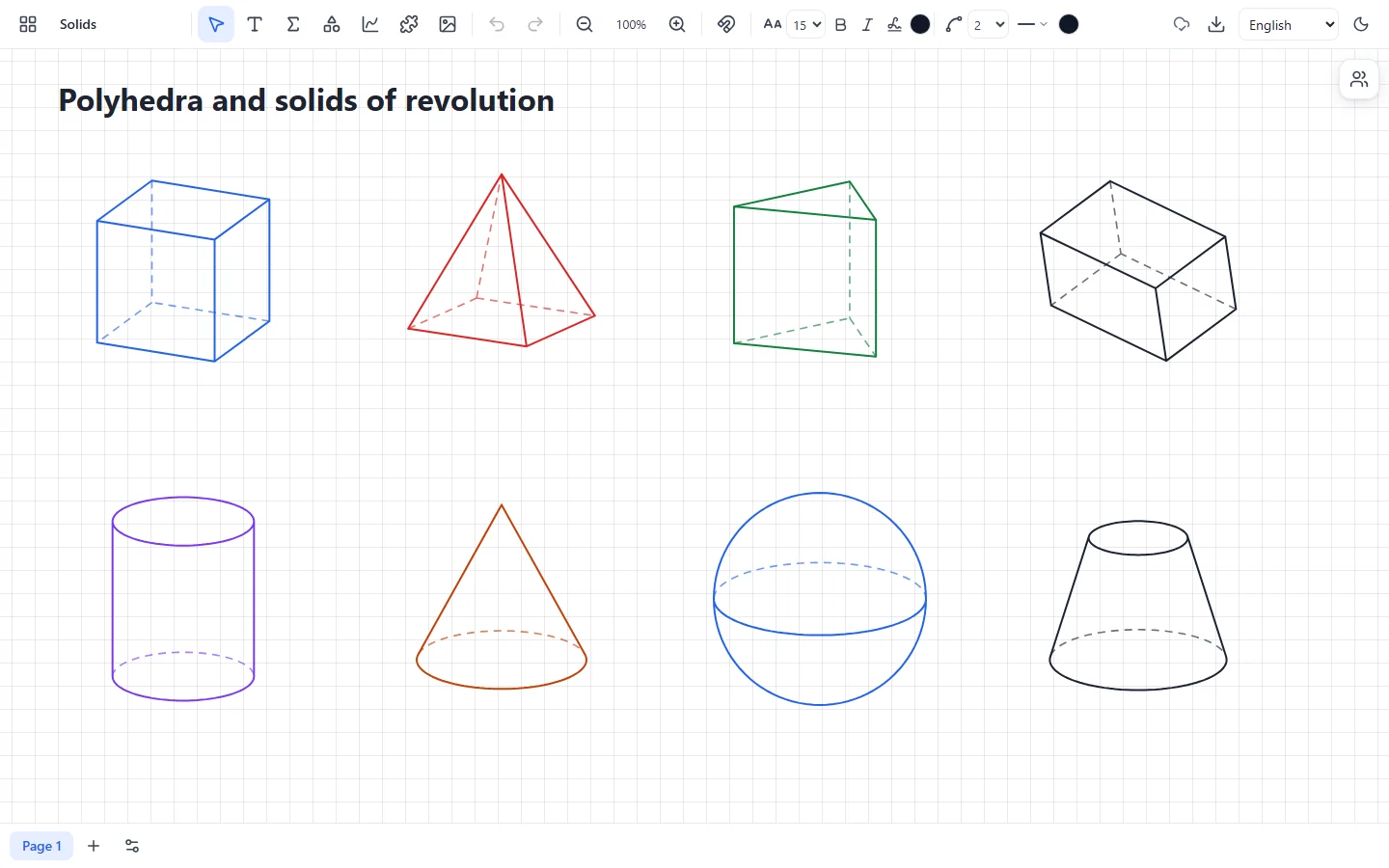
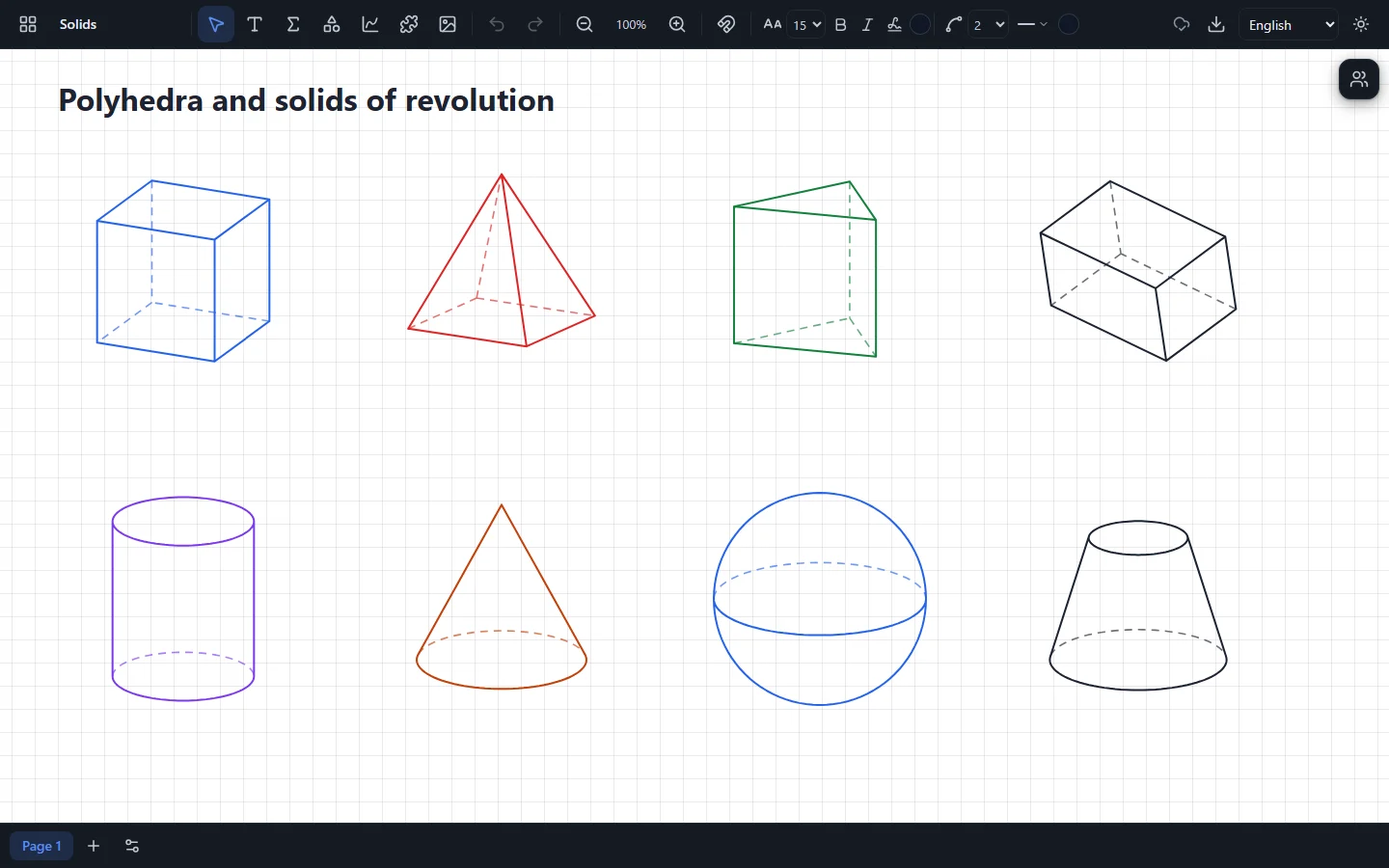
Solids
The solids of a geometry textbook, which you can turn to show the side you need.
- Cube, cuboid, prisms and pyramids
- Cylinder, cone, frustum
- Sphere and hemisphere
- Orthographic view, or the oblique one of textbooks
Pages
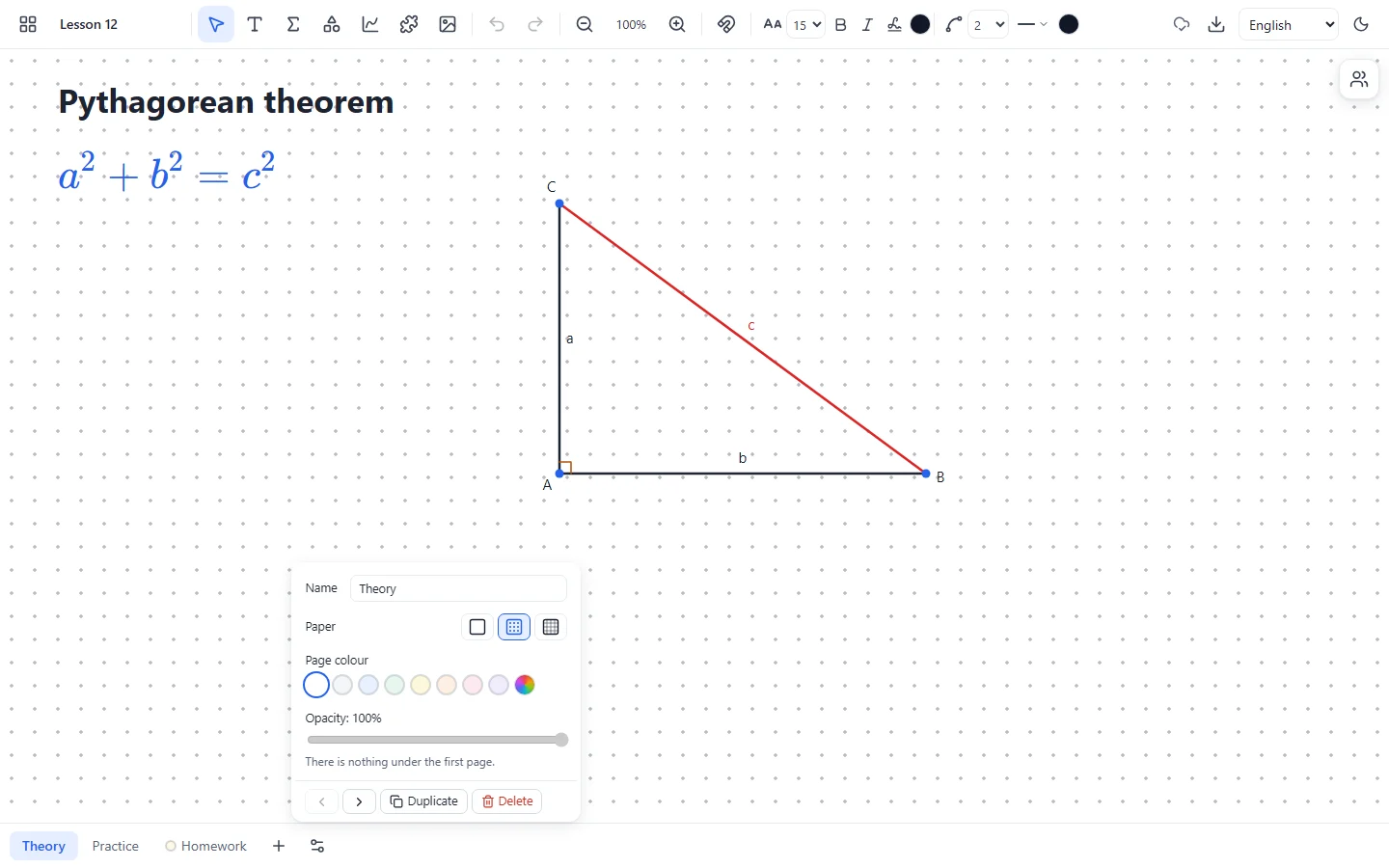
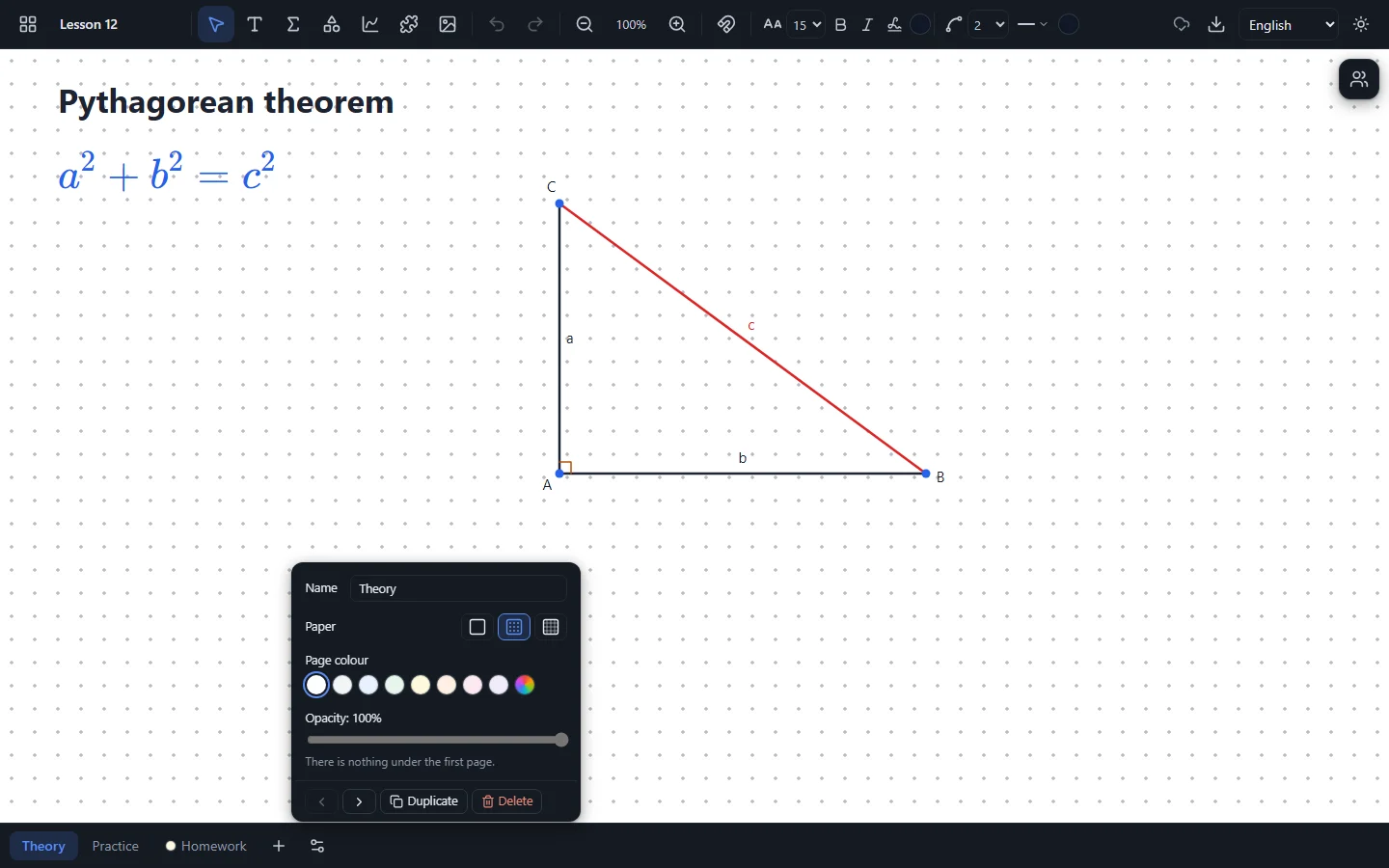
Split a lesson into pages, like the sheets of a workbook, with tabs at the bottom of the board.
- Paper: blank, dotted or squared
- Page colour
- Tracing-paper opacity: the page before shows through
- Copy and reorder pages
Classroom widgets
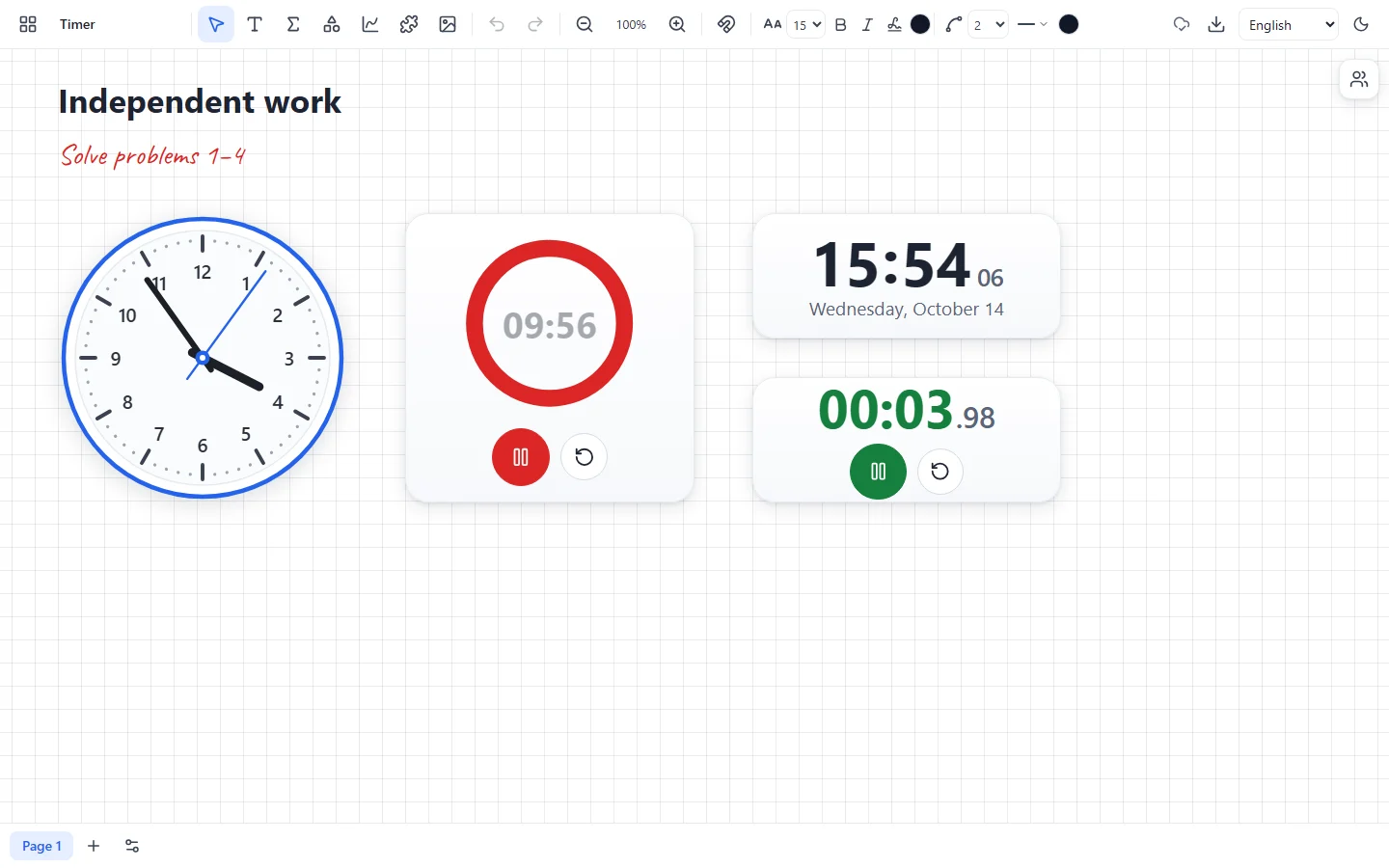
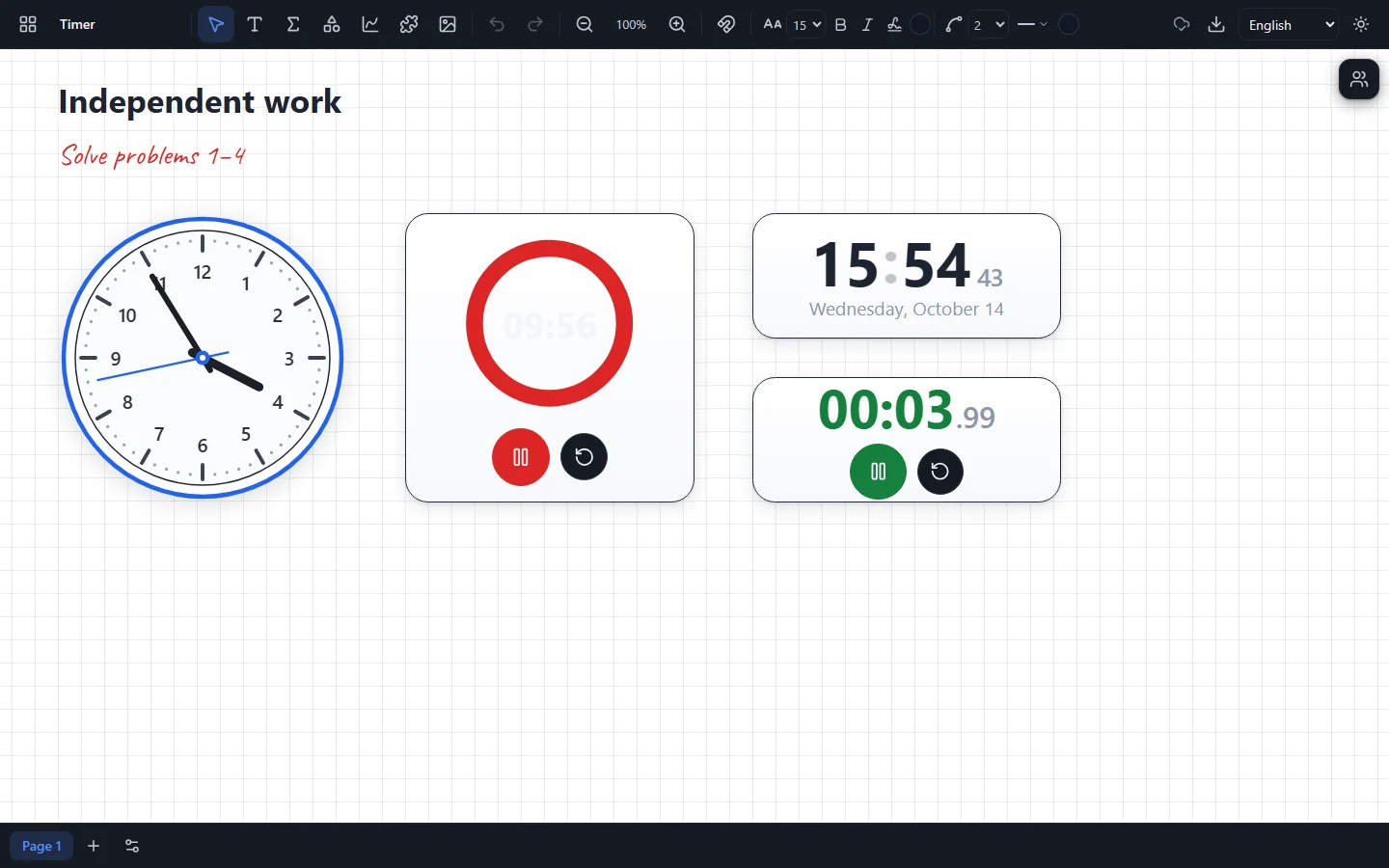
A clock and a timer right on the board: time a task without switching to another window.
- An analog clock — and a lesson in telling the time
- A digital clock
- A countdown timer
- A stopwatch
Lessons with students
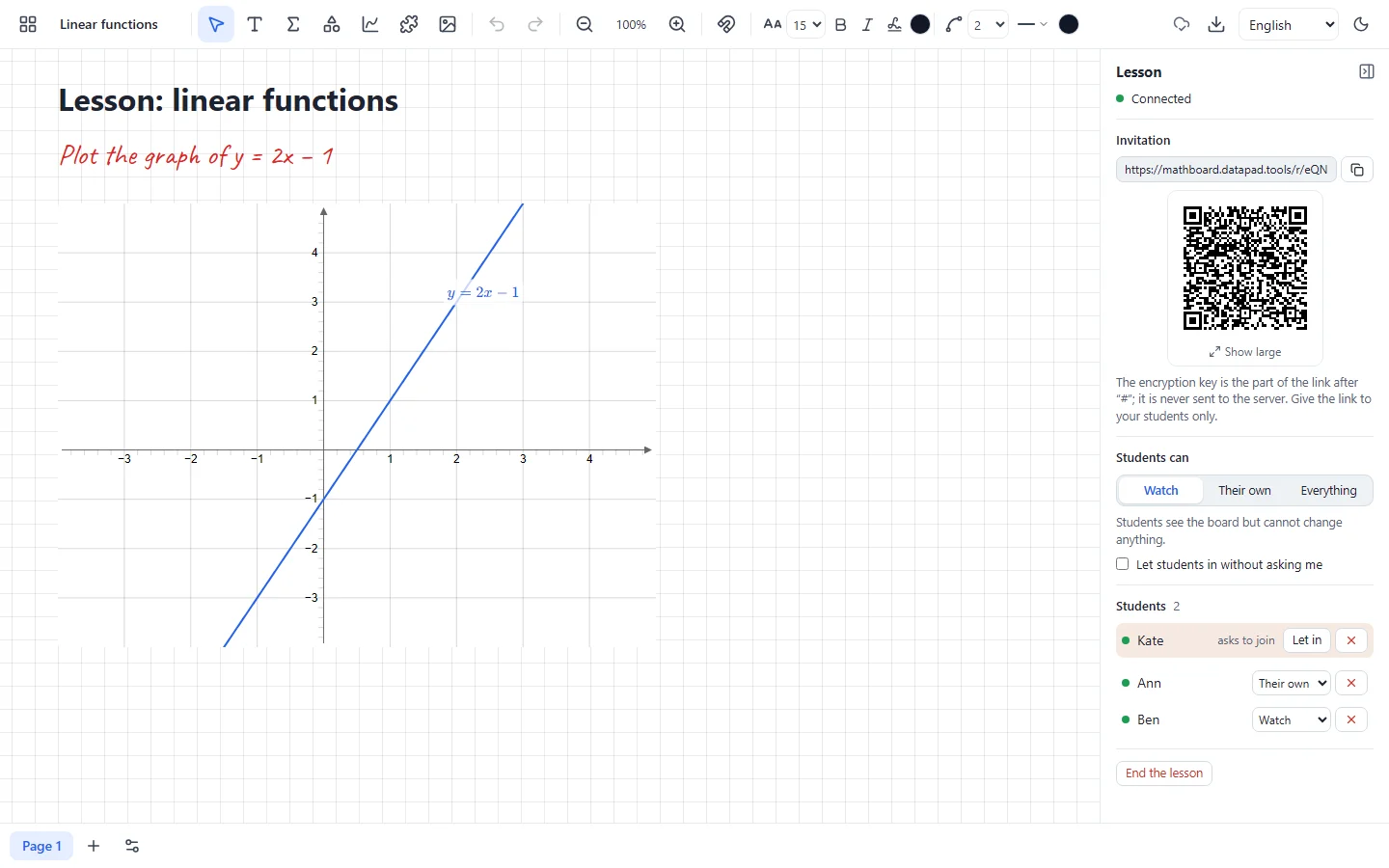
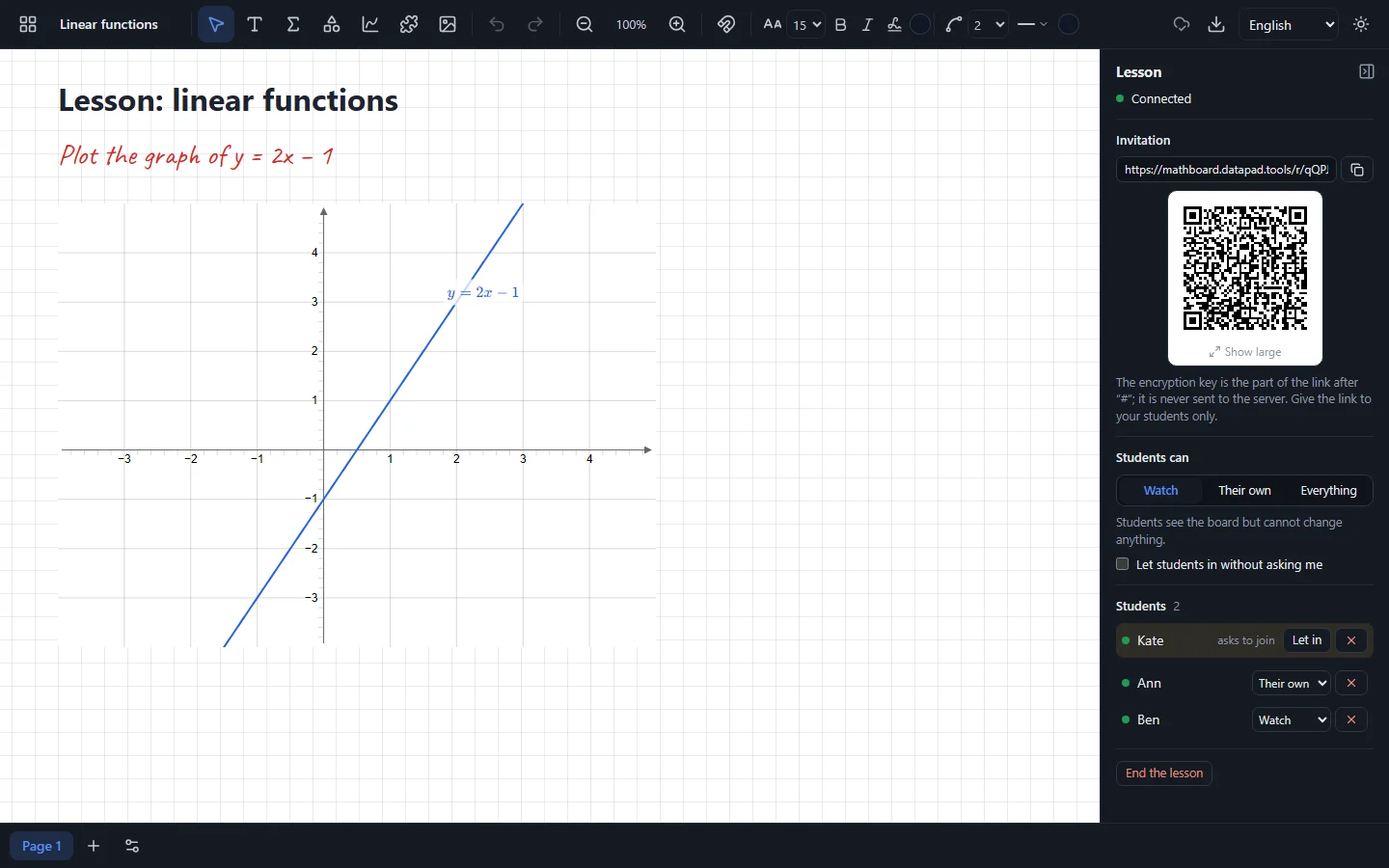
Invite the class to your board: everyone sees what you write at once, and those you allow can write too.
- Invitation by a link or a QR code
- The teacher lets students in by name
- Rights: watch, change own work, or change everything
- End-to-end encryption: the server never sees the content
Privacy and files
No accounts and no cloud: boards live in your browser, and a board file can be downloaded and opened anywhere.
- No sign-up and no ads
- Boards are stored only on your device
- A board file for a copy or to move it
- In English, Ukrainian and Russian
Ready for the lesson?
Create your first board — it takes a second.
Open boards